
Min Object Gap (A):
The distance between models. Increase for easier support removal; decrease to fit more items.
With JewelsPrint, jewelers can generate casting trees in seconds, freeing up time to focus on jewelry design innovation and business development.
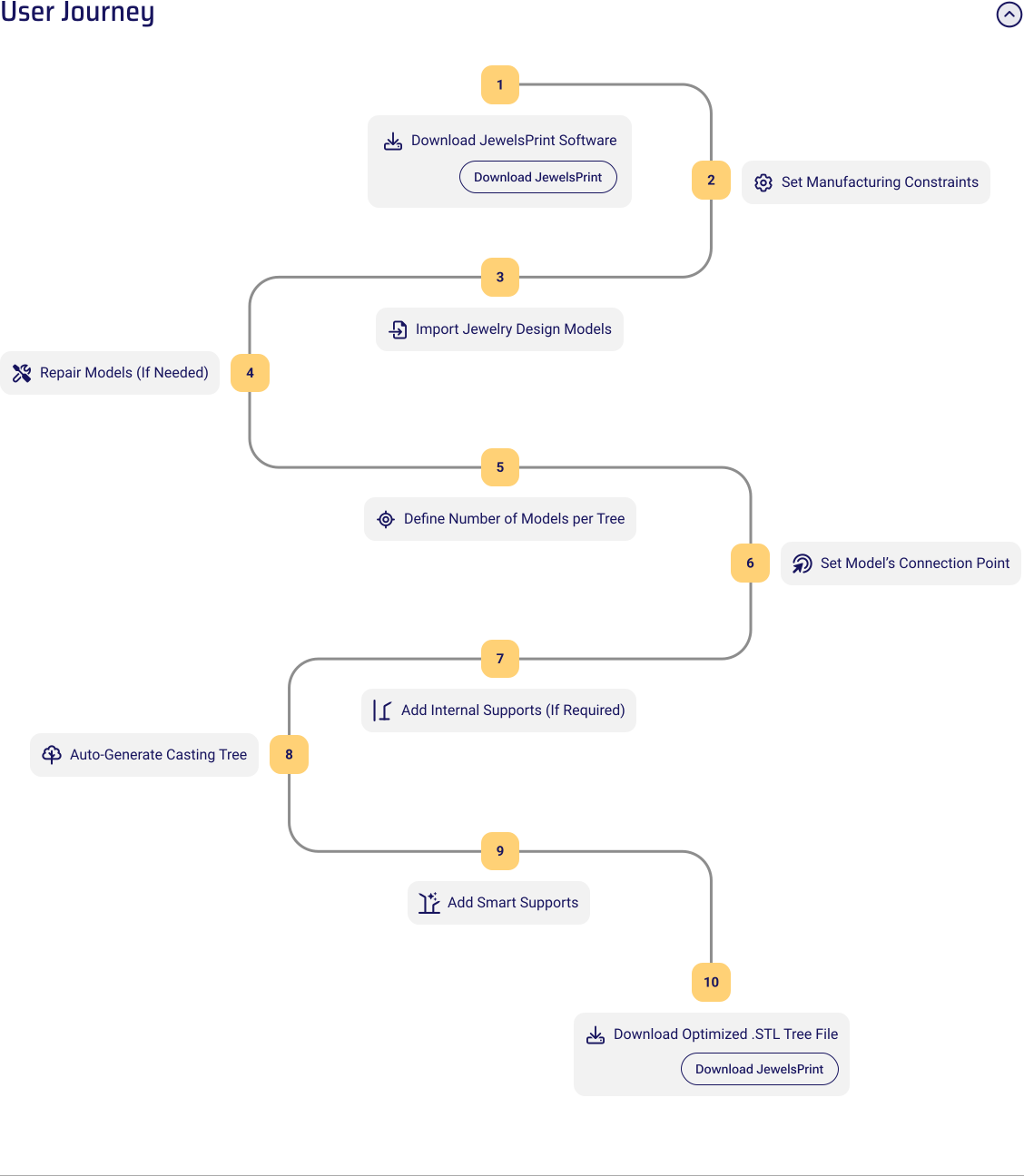
Before importing models, configure your rules to match your equipment. This ensures every tree is perfectly optimized for your specific printer and flask.
The distance between models. Increase for easier support removal; decrease to fit more items.
Controls the fit between segmented trunk parts for a precise "plug-and-play" assembly.
Select your target metal and flask dimensions. JewelsPrint automatically calculates volume and safety limits.
The safety buffer between models and the flask wall.
Defines the trunk diameter and base to match your rubber base and centering tools.
The distance from the top and bottom of the flask to ensure optimal metal flow.
Reduces resin usage and thermal stress during the burnout process.
JewelsPrint streamlines your workflow by handling the heavy lifting of organizing and preparing your jewelry for the tree.
JewelsPrint transforms your models into a production-ready casting tree in less than a minute using proprietary algorithms.
If you see: "Error: Tree generation failed: Collision detected between model and trunk,"
try:
For resin-based printers (SLA/DLP), use specialized supports designed for the weight of tall jewelry casting trees.
Encountered an issue with JewelsPrint?
Please fill out the form below with as much detail as possible. Our team will review your report and get back to you promptly.
Adding {{itemName}} to cart
Added {{itemName}} to cart